Bad USB
The Bad USB app turns the Flipper into a keyboard (and mouse) that types a prepared script into a computer. The computer sees an ordinary Human Interface Device (HID), so no drivers are needed. Scripts are written in an extended DuckyScript (the language of the USB Rubber Ducky) and stored as plain .txt files on the microSD card.
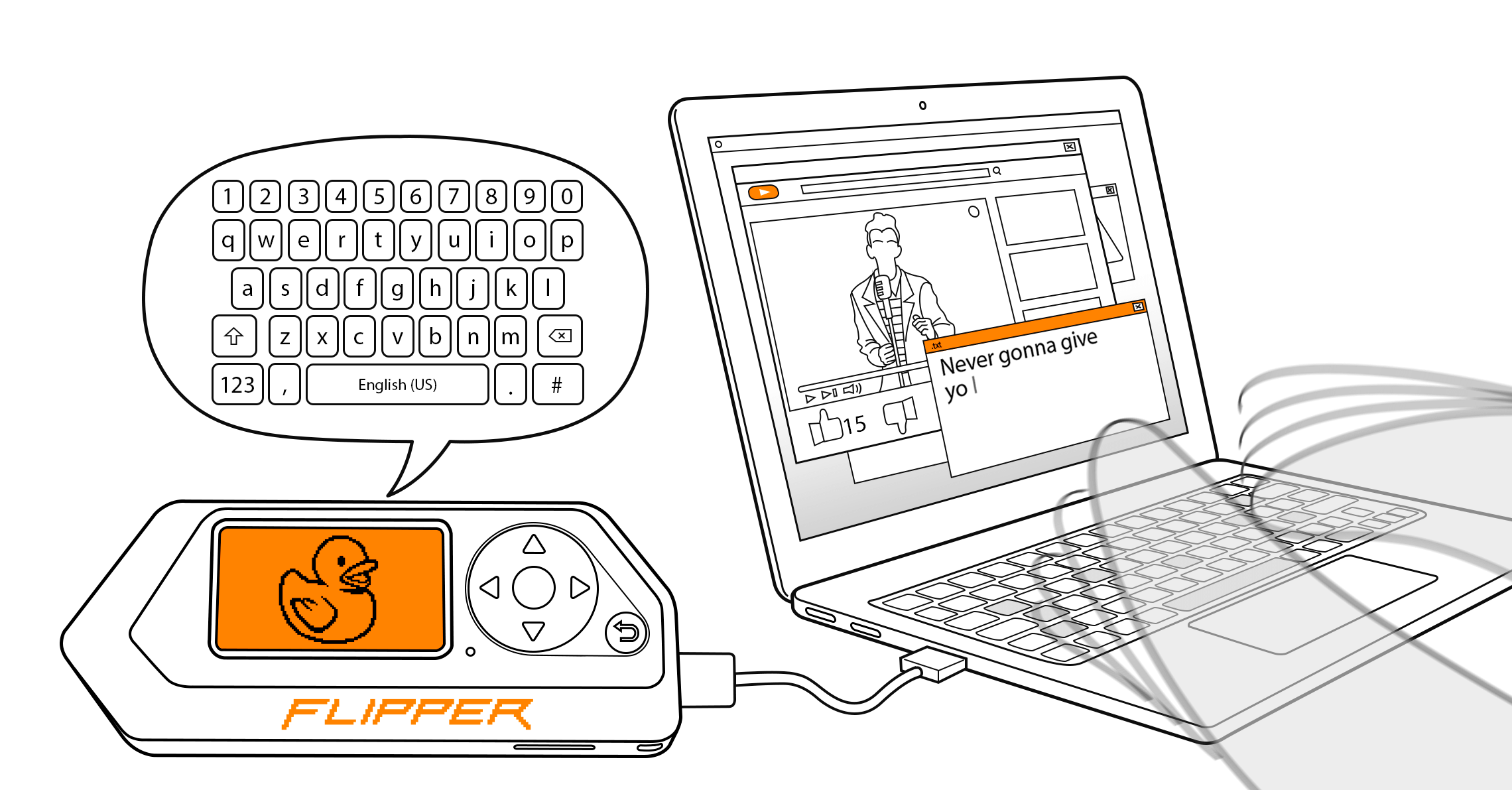
Typical legitimate uses: automating repetitive setup on your own machines, typing long passwords or configs, installing software on a fresh PC, demos and security awareness training.
Legal
A keystroke-injection device can do anything a person at the keyboard can. Only run scripts on computers you own or are explicitly allowed to test.
The app works over USB cable or over Bluetooth (BLE), the latter appears to the host as a Bluetooth keyboard.
Unleashed
Unleashed integrates BadKB (by Willy-JL, ClaraCrazy and XFW contributors) right into the Bad USB app:
- BLE mode with configurable device name, MAC address, pairing mode and persistent pairing, plus the
BLE_ID/BT_IDscript commands; - USB identity settings: manufacturer and product name, VID/PID, randomisation;
- keyboard layouts for many languages (by rien / dummy-decoy);
- the
DUCKY_LANGcommand, so a script can choose its own keyboard layout (new in the current release, PR #1224 by @ANTONiO-eagle).
Files
| Path | Content |
|---|---|
/ext/badusb/ | Your scripts (.txt). The app's file browser opens here. |
/ext/badusb/examples/ | Demo scripts shipped with the firmware (Windows, macOS, GNOME, ChromeOS, mouse test, qFlipper installers). |
/ext/badusb/assets/layouts/ | Keyboard layout files (.kl). See Keyboard layouts. |
/ext/badusb/.badusb.settings | App settings: global layout, USB/BLE mode, USB and BLE identity. |
Upload scripts with qFlipper, the mobile app or by copying them to the SD card. A file with the same name is overwritten without warning.
Pages in this section
| Page | What you learn |
|---|---|
| Using Bad USB | Running scripts over USB and BLE, the Config menu, all settings |
| Script format | Full command reference: STRING, DELAY, HOLD/RELEASE, ALTCHAR, MEDIA, mouse, ID, DUCKY_LANG… |
| Examples | Safe example scripts to start with |
| Keyboard layouts | Which layouts exist, how they work, choosing one per script |