Infrared
Flipper Zero has a built-in infrared (IR) module. It can learn the buttons of almost any IR remote, save them as a virtual remote on the microSD card, send them back, and work as a universal remote that runs through a library of known codes for TVs, audio systems, projectors, LED strips, fans and air conditioners.
Hardware
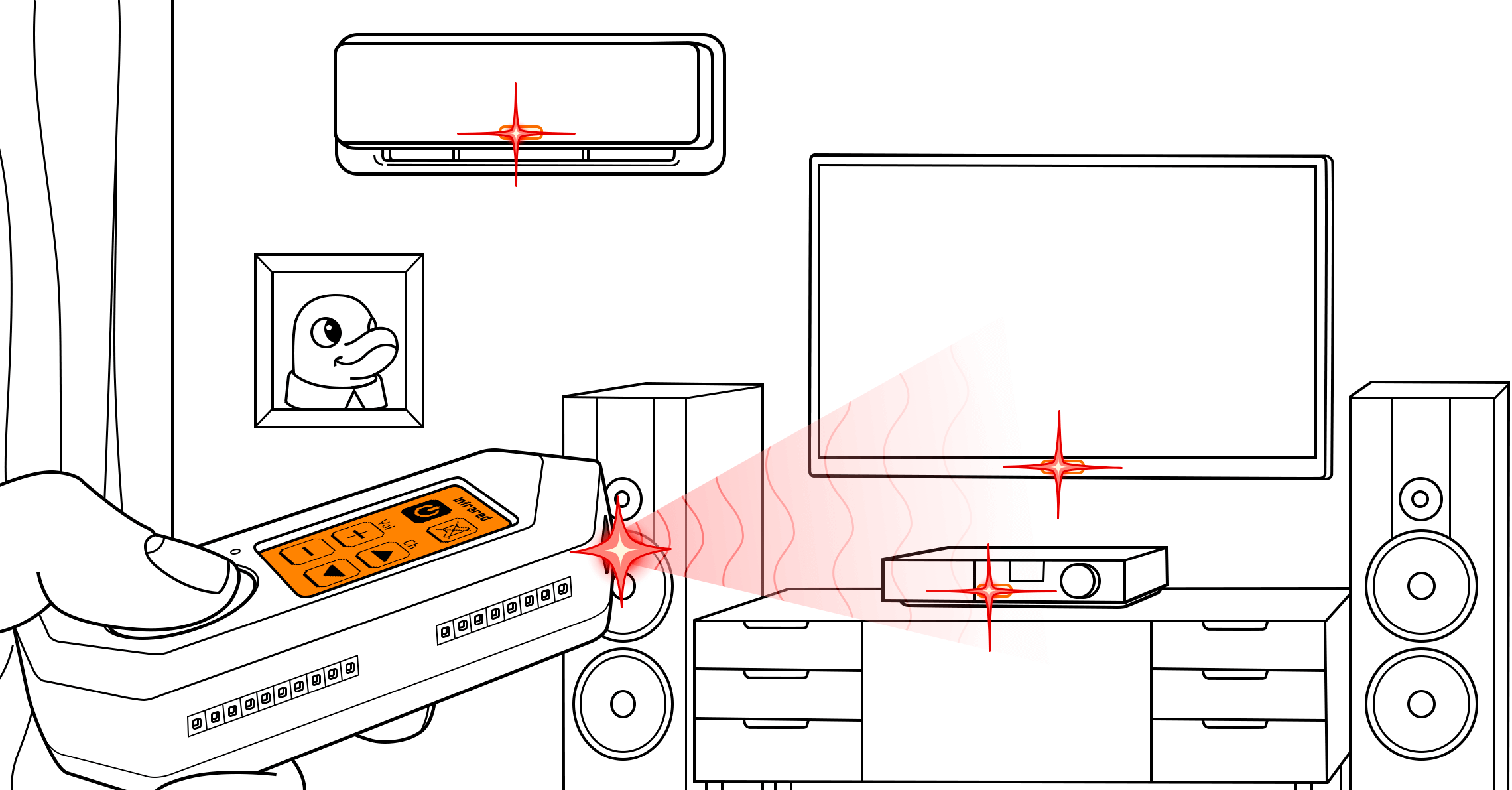
- An IR-transparent plastic window on the top edge of the Flipper.
- Three IR LEDs for transmitting.
- An IR receiver that demodulates the carrier (it is tuned for the common 38 kHz carrier). Learning always uses this built-in receiver.
- Optionally an external IR transmitter on GPIO pin 2 (A7) for longer range, see External IR modules.
The Infrared menu
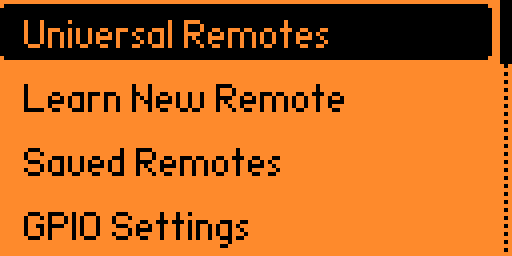
Open Main Menu → Infrared. The menu items come straight from the firmware:
| Item | What it does |
|---|---|
| Universal Remotes | Sends a whole library of codes for one button (Power, Vol+…) until your device reacts. See Universal remotes. |
| Learn New Remote | Captures buttons from a physical remote and saves them as a new remote. See Learning and sending signals. |
| Saved Remotes | Opens the file browser at /ext/infrared/ to send, edit, rename or delete your remotes. |
| GPIO Settings | Chooses the transmitter (built-in, pin 2 (A7) or auto-detect) and 5 V on GPIO. See External IR modules. |
| Learn New Remote RAW | Only with Settings → System → Debug ON. Like Learn, but the decoder is off: every signal is saved as RAW. |
| Debug RX | Only with Debug ON. A live "INFRARED monitor" of what the receiver gets. |
Unleashed
The Infrared app, its protocol decoders and the universal-remote machinery are the official firmware's. Unleashed adds:
- the RCA IR protocol (see Protocols);
- extra universal remote libraries (LEDs, Fans) and much larger, regularly re-checked libraries for TVs, audio, projectors and ACs, maintained by the Unleashed team (IR assets by @amec0e). The TV library is recompiled so that all its buttons work;
- support for external IR modules with auto-detection (taken over from the official firmware).
Where the files live
| Path | Content |
|---|---|
/ext/infrared/*.ir | Your saved remotes (Filetype: IR signals file). |
/ext/infrared/assets/*.ir | Universal remote libraries: tv.ir, audio.ir, projectors.ir, leds.ir, fans.ir, ac.ir (Filetype: IR library file). They are installed and updated together with the firmware. |
/ext/infrared/.infrared.settings | GPIO settings (output pin, 5 V). |
The format of .ir files is described in IR file format.
Command line
The ir command is available in the CLI (for example through qFlipper or a serial terminal):
text
ir rx [raw]                                  receive and print signals (raw = no decoding)
ir tx <protocol> <address> <command>         send a parsed signal, address/command in hex
ir tx RAW F:<frequency> DC:<duty_cycle> <sample0> <sample1>...
                                             frequency 10000-1000000 Hz, duty cycle 0-100, max 512 samples
ir decode <input_file> [<output_file>]       try to decode RAW signals of a file into parsed ones
ir universal <remote_name> <signal_name>     run a universal library, e.g. ir universal tv Power
ir universal list <remote_name>              list the signal names of a library
Pages in this section
| Page | What you learn |
|---|---|
| Learning and sending signals | Learn a remote, save it, send buttons, edit / move / rename / delete buttons |
| Universal remotes | All universal remote categories, buttons, controls, saving a working code |
| Remotes in the mobile app | The Remotes Library in Flipper Mobile App |
| Contributing captures | How to record clean signals for the universal libraries |
| External IR modules | GPIO output, auto-detect, 5 V power |
| Protocols | Every protocol the decoder knows, incl. RCA |
| IR file format | .ir remote, library and test file formats |